Custom Food Interactions in Sims 4: A Comprehensive Guide
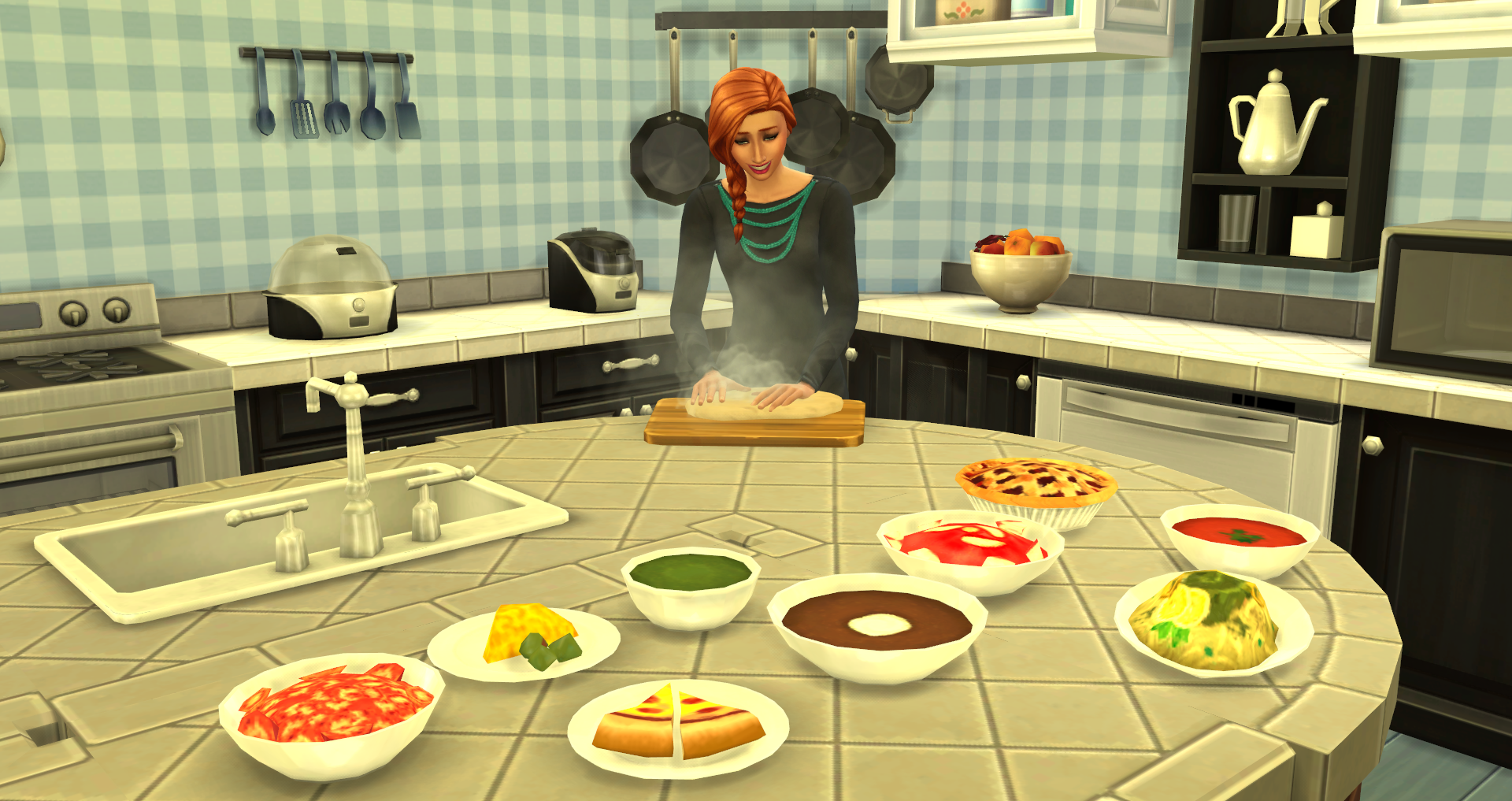
Sims 4 meals can feel a bit bland in the base game. The custom food mods exist to help you escape from this kitchen boredom. One of the most famous among these mods is the MTS food group, especially the mtsfoodgroup_foods custom interactions package. This mod is perfect for opening new menus on fridges, barbecues, stoves, and much more.
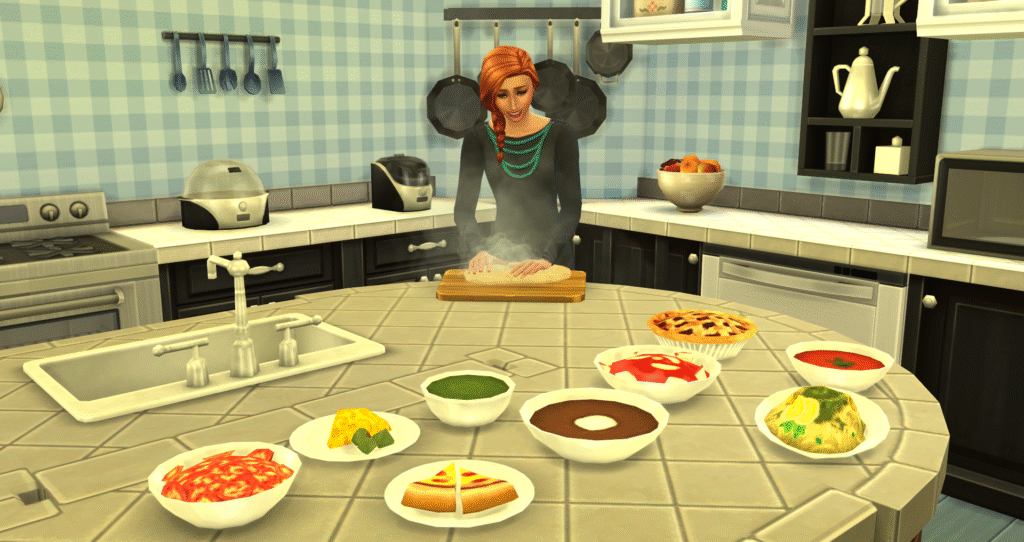
This lets your Sim mix, bake, cook, and try various custom recipes. One of the best ways you can do this is by pairing it with icemunmun custom food objects, which let you trigger your interactions with game items. Now you get a whole kitchen playground where you can try making every possible dish.
Why use custom food mods?
Custom food mods are perfect for every foodie and for those who like going beyond the base game options.
- More variety is available, which lets you cook and try any recipe that you want.
- It offers a more immersive experience, allowing you to cook your own favorite dishes, including ethnic cuisine, drinks, and desserts.
- Gathering ingredients, managing menus, and choosing recipes help with active gameplay, elevates the fun more.
- Creative combinations are another great benefit, allowing you to try grand meals and entertain others with mixed drinks.
- Hosting parties with custom grand meals, can serve many Sims at the same time.
- Mixing drinks via custom drink interactions can make you enjoy special beverages like cocktails and mocktails.
- Then, vampire and occult compatibility can also be installed with custom food labeled as vampire-friendly food.
To enable all this, some frameworks and models are required. And this is where MTS Food Group’s script and Icemunmun’s supporting objects come in.
Required Mods
For better compatibility, these custom food interactions need a base stack where other mods can be stacked. So you need the following:
MTS food group / mtsfoodgroup_foods custom interactions
This is a core script plus package mod that allows you to incorporate custom food interaction menus with barbecues, stoves, refrigerators, and more. This includes “Cook Custom Meal,” “Make Custom Gourmet Food,” etc.
Recipe packs / custom foods & drinks
These are actual desserts, foods, and drinks created by creators like icemunmun, Littlebowbub, and Oni. They come in .package files that include script parts as well. This helps you define images, dishes, and ingredients.
Icemunmun custom food objects
This has a set of in-game objects like a pile of books, a cooking tablet, a spice rack on the walls, and pots and pans. This helps you in accessing custom food interactions directly through those objects. So you can carry menus and allow custom food through the fridge and stove as well.
In case any of those pieces are missing, like the script for all the objects, you will see blank menus, errors, and missing recipes.
Best Custom Food Interactions Mods To Try
Custom Food Interactions Sims 4 (MTS / TheFoodGroup stack)
This is one of the most important mods that players usually start with. It has a package in an interaction script where custom meals show up in cooking appliances. These TS4 script mods must be placed in a single folder within your mods folder, allowing them to function seamlessly from within.
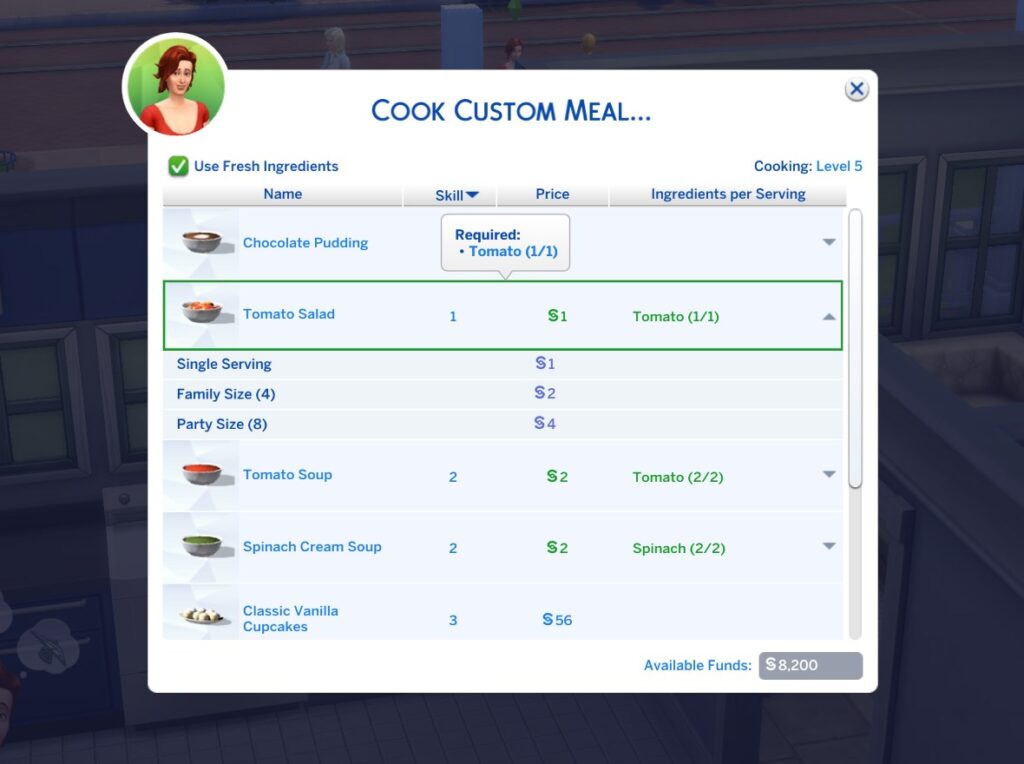
This allows for smooth integration. Continue to update and add new recipes or menus by checking for updates. Please note that this doesn’t include all types of recipes, and additional recipe packs should be downloaded separately.
Icemunmun custom food objects
This is another excellent tool mod that is highly popular in the Sims community. This is where you get to access all custom food and drink interactions through in-game objects. This adds objects like a wall spice rack, a pile of cookbooks, and a cooking tablet to your custom food interactions.
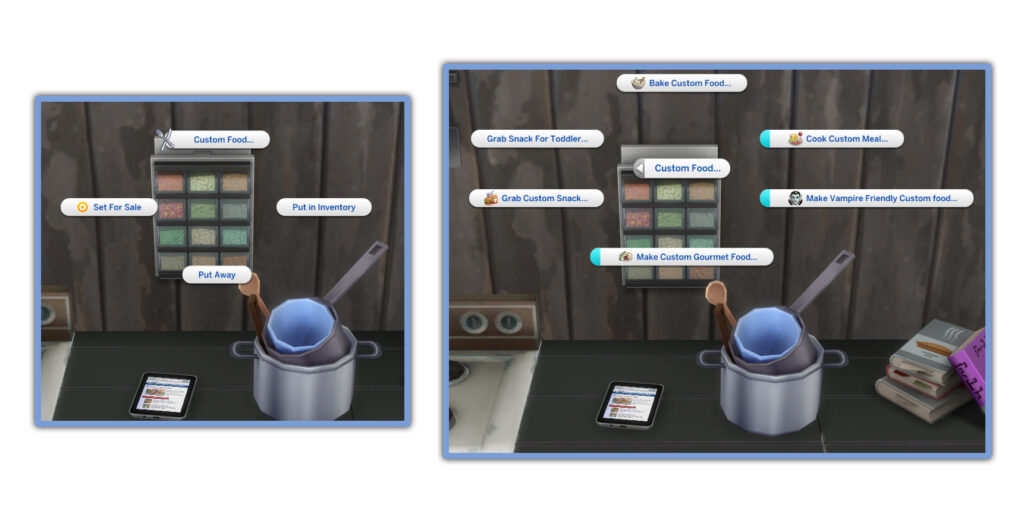
Therefore, you get to make custom food, cook custom meals, grab custom snacks, make custom bar drinks, mocktails, and cocktails. They also bring the custom drink menus that include making custom brand meals, grabbing custom drinks from the fridge, and much more.
Custom Drink / Beverage mods
These are specifically made for drinks and offer custom drink interactions. They have a FoodGroup stack that allows you to support drink menus, which are often referred to as custom drink interactions.
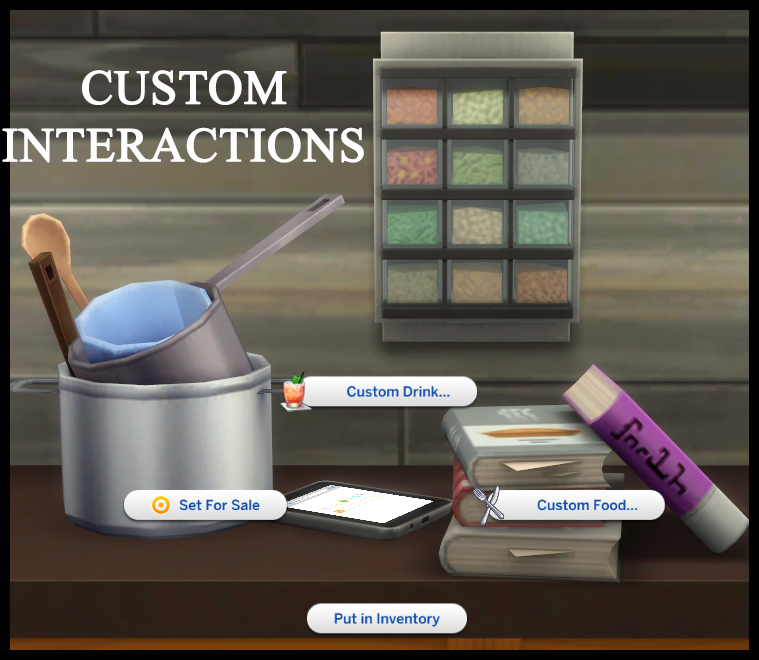
The best part is that you also get to try custom drink recipe packs, which include juices, cocktails, and mocktails. This happens because it plugs into the core script. You can take various actions, such as purchasing custom drinks from the fridge and creating personalized bar drinks.
FinJing Food Interactions
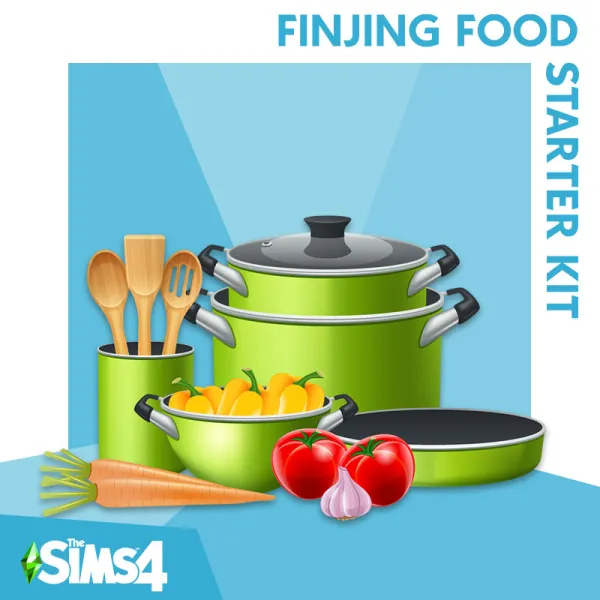
As a separate mod, this one has its own custom food interaction scripts. It’s perfect for trying new recipes like grand meals, homestyle, and gourmet meals. It has its own menu with fridges and stuff.
They also have complementary alternatives, but they’re usually avoided since they can cause mod conflicts. So even if you’re trying those, try to proceed carefully.
Installation and Download Guide
- Download the core script mod – e.g., mtsfoodgroup_foods custom interactions for Sims 4 in script + package, from relevant websites.
- Enable script mods in your Sims 4 settings. They are usually in Game Options → Mods.
- Place the .ts4script and .package files properly directly in the Mods folder.
- Install supporting objects like icemunmun’s Custom Food Objects so you can access new menus.
- Download recipe packs like food and drinks, and drop them into your Mods folder like the “Recipes” subfolder.
- Test the save and see if the menus display correctly, such as “Make Custom Meal” on the stove.
- Keep updating to the latest patches to avoid breaks and lags.
Common Problems & Troubleshooting tips
- If you open a menu and no recipes show up, then you likely don’t have recipe packs installed.
- If nothing is showing up and it’s completely blank, then scripts or objects might not have been installed correctly. Or they might be disabled.
- Sometimes, conflicting or duplicate scripts can cause the game to break. Therefore, it’s always essential to maintain only one version of the core script.
- Users often report weird boxes or blanks in the menu whenever these mods become outdated. Keep checking for new updates and patches.
Final Thoughts
Breathing new life into your kitchen through these custom food interactions Sims 4 can take the fun to new heights. With the MTS food group core script (like the mtsfoodgroup_foods custom interactions package), you can enable all menus and interactions.
Mods like icemunmun custom food objects give you the right tool so that you can access them to create creative dishes. Therefore, you can add to any recipe pack, drinks, and much more. This is where the base game menu feels like ancient history. Bon appétit!