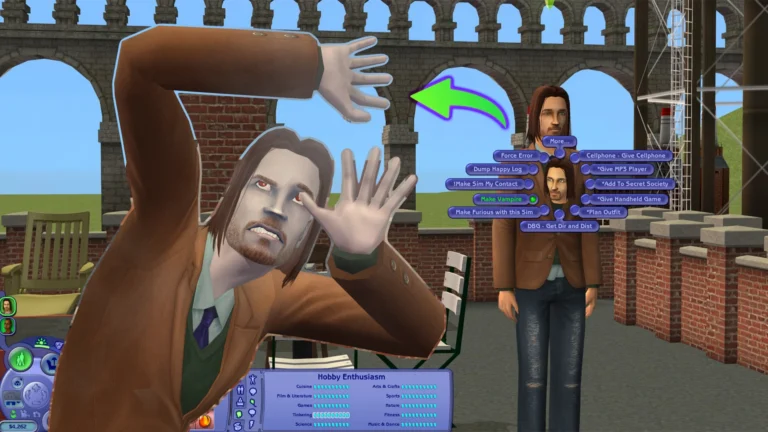
How to Move a Trash Can in a Sims 2 Apartment: A Comprehensive Guide
If you’re here because you’ve been endlessly searching for how to move trash cans in a Sims 2 apartment, then you’re at the right place. A lot of people who like decorating their apartments would want to remove trash cans and fix any bugs in the apartment. This helps redecorate your apartment according to the way you want, instead of having the garbage can stuck in one place by default.
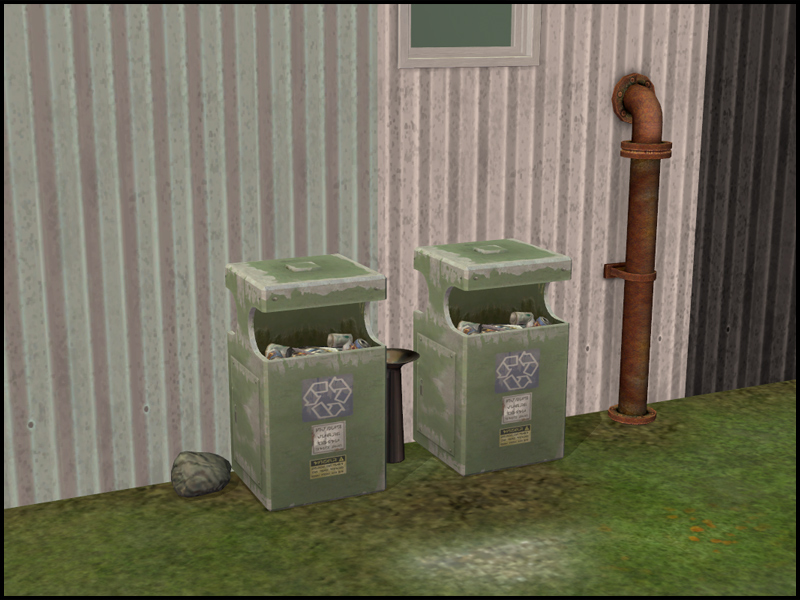
There would be a lot of situations where you will also encounter things like moving an immovable trash can in the Sims 2 apartment option, which does not work. Let’s see below how you can get a drama-free and less trashy look to your apartment and redecorate it the way you want.
Reasons for Moving the Trash Can in an Apartment in Sims 2
There are several reasons why you might want to relocate the trash cans, which could be due to the default placement clashing with your aesthetic preferences. Or the cans blocking the paths of your Sims, and even supplementary regular trash cans existing.
A lot of people do this because they have envisioned how their apartment should look and do not like the default placement. For these many reasons, lots of people have encountered the issue that the move trashcan option sometimes doesn’t work in The Sims 2 apartment. Let’s look below at how you can tackle this.
Using MoveObjects Cheat
The easiest and standard method that you can use to delete or move many fixed objects in the Sims 2 is through the ‘moveobjects on’ cheat. There’s no need for any mod in this. All you have to do is:
- Press Ctrl + Shift + C to open the cheat console.
- Type ‘moveObjects on‘ and press enter with no underscore.
- Then go into the Build or Buy mode or live mode, and try to select the trash can.
- Now try to move it where you want or delete it.
- After you have finished, it would be better to reopen the cheat console and type ‘moveObjects off’ so that the game can return to its regular settings with the previously made changes.
However, it’s essential to note that in some apartment complexes, trash cans or mailboxes are a fundamental part of the building’s structure that’s difficult to modify. This is where a lot of people encounter the problem.
When Move Trash Can Sims 2 on Apartment Not Working: Troubleshooting Tips
If you find that the base game setting is not letting you move the trash can the way you want, then there are some great fixes for this.
Alternative Cheat Toggle
In various apartments, some tools are disabled in the “sublot” portion, which can be overridden with the cheat code ‘boolProp aptSubLotSpecificToolsDisabled false‘.
You can also try these codes as well in case the above one doesn’t work: ‘boolProp aptBaseLotSpecificToolsDisabled false’ or ‘boolProp dormSpecificToolsDisabled false‘
Once you have turned it off, type the cheat ‘moveObjects on‘ again and try to move the trash can.
Sometimes, combining these cheats with moveObjects seems to work well with many users who have problems with immovable objects in their apartments.
The Force Error Trick
Another quirky thing that you can do again with the cheats is by enabling ‘TestingCheatsEnabled true‘ in the cheat console. Shift-click on the trash pile (if trash is piled) and select Force Error. You will see the object glitch, and you can move it or pick it up in the way you want later.
Remove blocking objects and delete walls temporarily
Sometimes, things that block the access, such as hidden objects, walls, and stairs, can be the reason why you won’t be able to move the trash can. To solve this problem, lower the walls or delete it temporarily so you can select the can. Once you have moved the trash can, you can restore the walls or rebuild them.
Mods as Alternatives
Lot Cleaner or Stuck Object Remover (MATY) Mod
If you’re looking for game settings, then mods like Lot Cleaner or Stuck Object Remover (MATY) are great options. They help clear stuck items and can clean up a lot of junk in the apartment.
No Kicking Over Trash Can Mod
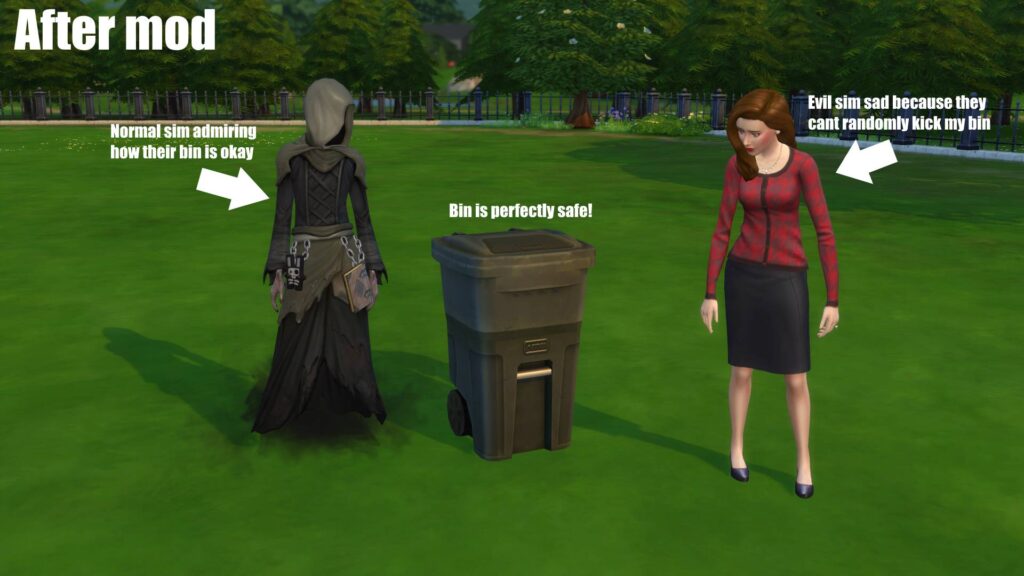
If you have placement issues with the trash can, this mod can adjust the trash behavior settings and help you relocate the object.
Building Fences around Trash Cans
Creating a small fenced enclosure around the gate can help you keep the trash can in place successfully. This is great for stopping random trash kicking by enemy sims.
Things to Keep in Mind
- Before you delete any object or use a cheat, make sure that you have saved your game progress.
- After repositioning, test the game to make sure that the routing path is not glitching.
- Always ensure to turn ‘moveObjects off’ when you’re done with the placement and want to avoid any accidental object overlaps.
- It’s always important to check for compatibility and conflict issues if you’re downloading external tools or mods.
- Many locations may resist relocation of trash since they are internally designed to be that way and are difficult to change, even with some of the best tools available.
Final Thoughts
The ‘move trash can in the Sims 2 apartment’ is a major headache for many players. That is why a guide like this can serve as a roadmap for you. From the easiest cheats to some of the best free mods, you can try relocating and decorating your apartment the way you want. With creative solutions and a bit of patience, this whole strategy can go a long way.