Sims 3 Object Animation: A Comprehensive Guide
Sims 3, being one of the most beloved games in the The Sims series, has attracted a lot of attention from the modding community. These modders are always looking for ways to keep the game alive by making new changes in setting and features. One of the most standout features that a lot of developers work on is the Sims 3 object animation.
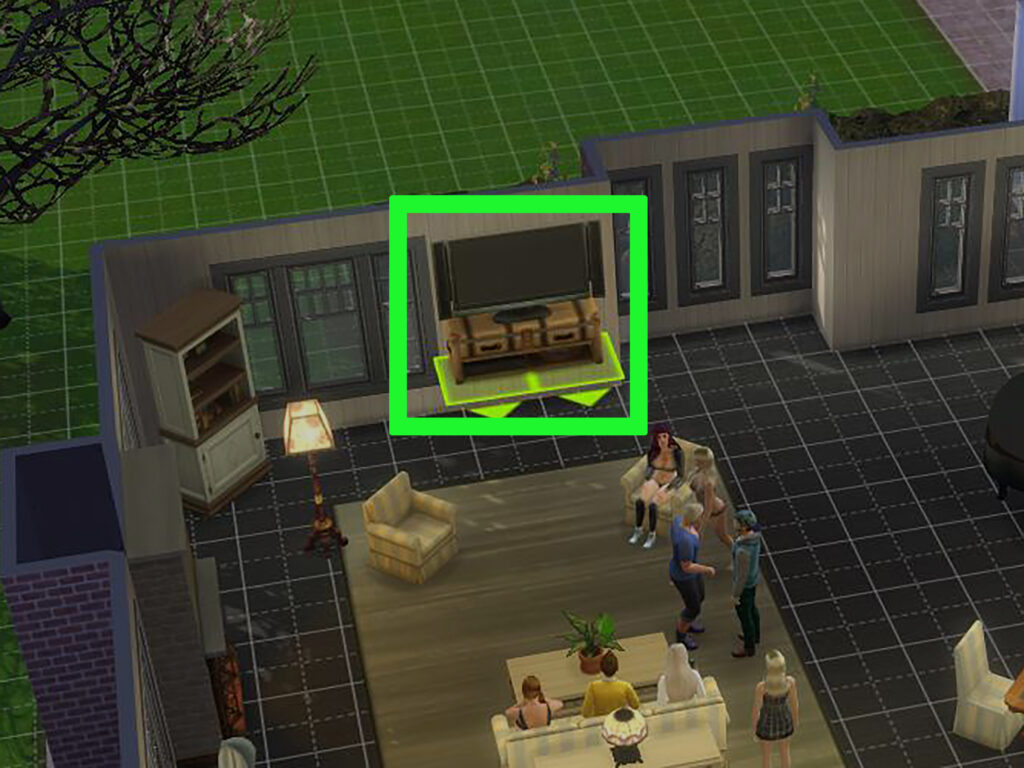
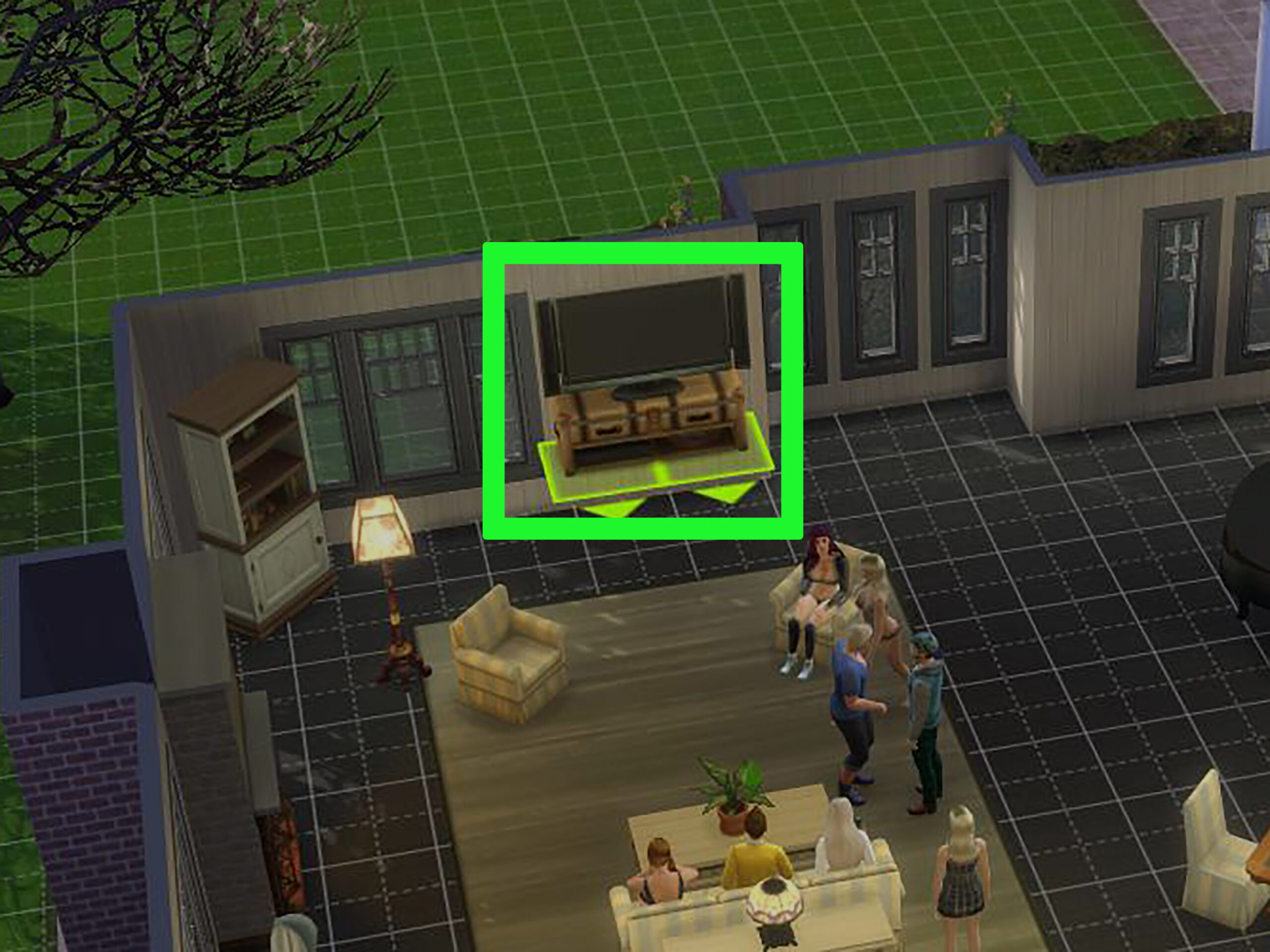
This allows inanimate objects in the game to become alive with realistic object movements. It adds a lot of fun and immersion, and these Sims 3 object animations open up enormous possibilities for players to experiment with. Let’s dive into how you can try the Sims 3 object animation mods, created by some of the most talented players in the TS3 community.
The Sims 3 Object Animation: Why use it?
Sims 3 object animation tools allow you to add movement to objects within the game. This could include making static chairs rock, making simple tools into magical objects, making fridges open on their own, and lamps full of motion.
This can allow you to interact with various kinds of objects, adding a lot of realism to the game. This can range from large furniture to small decorative items, where you can make everyday interaction feel more fun and interactive. There are several things you can do with this.
- Make a clock move its hands.
- Lamps start dancing with music and flicker
- Chairs that rock back and forth while your Sim sits on it
These are also great if you’re looking for a more spooky atmosphere, like creating a haunted house where you want objects to move on their own. This emulates a paranormal activity that you can use to create a very malicious atmosphere. Or you can create your own magical world, where, like in Beauty and the Beast, your teacups come to life.
Sims 3 Object Animation Download & Installation Guide
Knowing how to add object animations to Sims 3 is not as daunting a process as it seems. You need to download the appropriate mods and files for this. Below is the complete process:
- Finding mods – You will find several talented creators like the ones listed below who have made various mods that offer Sims 3 object animation. You can find it on their Patreon, Tumblr, or community forums websites.
- Downloading the files/mods: Once you have found the animation you would like to try, download the file. Ensure that it is compatible with the version that you have installed for Sims 3. You will usually see the file in .package format, which is pretty easy to install.
- Installing the mods: After downloading, place the .package files in your Mods folder within the Sims 3 directory.
- Restart and enjoy – After you have completed the process, try to load up your game or restart it to see if you’re able to interact with a newly animated object.
On a side note, when you download the files provided by these reputable creators, you’ll find installation guides with them. They’re pretty helpful and have clear instructions.
The Best Sims 3 Object Animation Mods
Several great creators have tried their hand at making Sims 3 object animation mods. Some of the best ones are listed below:
My Tiny Sims World – Sims 3 Mods Collection
This isn’t just for Sims 3 object animation, but also several other kinds of mods that you would like to try. They have a vast collection with a variety of custom animations for any type of object that you want to control. This includes furniture or small decorative features.
Whether it is a teapot or a rocking chair, you can pour personality into these objects to make them behave as you want them to. They add a lot of personality to your environment, and the creator has meticulously crafted these mods to ensure a smooth gaming experience.
SimBouquet – CAS Animation Edits
This is focused mainly on CAS animations, which include several interactions, like with chairs, mirrors, and much more. This also offers lots of immersive animations to dress up and style your Sim in the way you want.
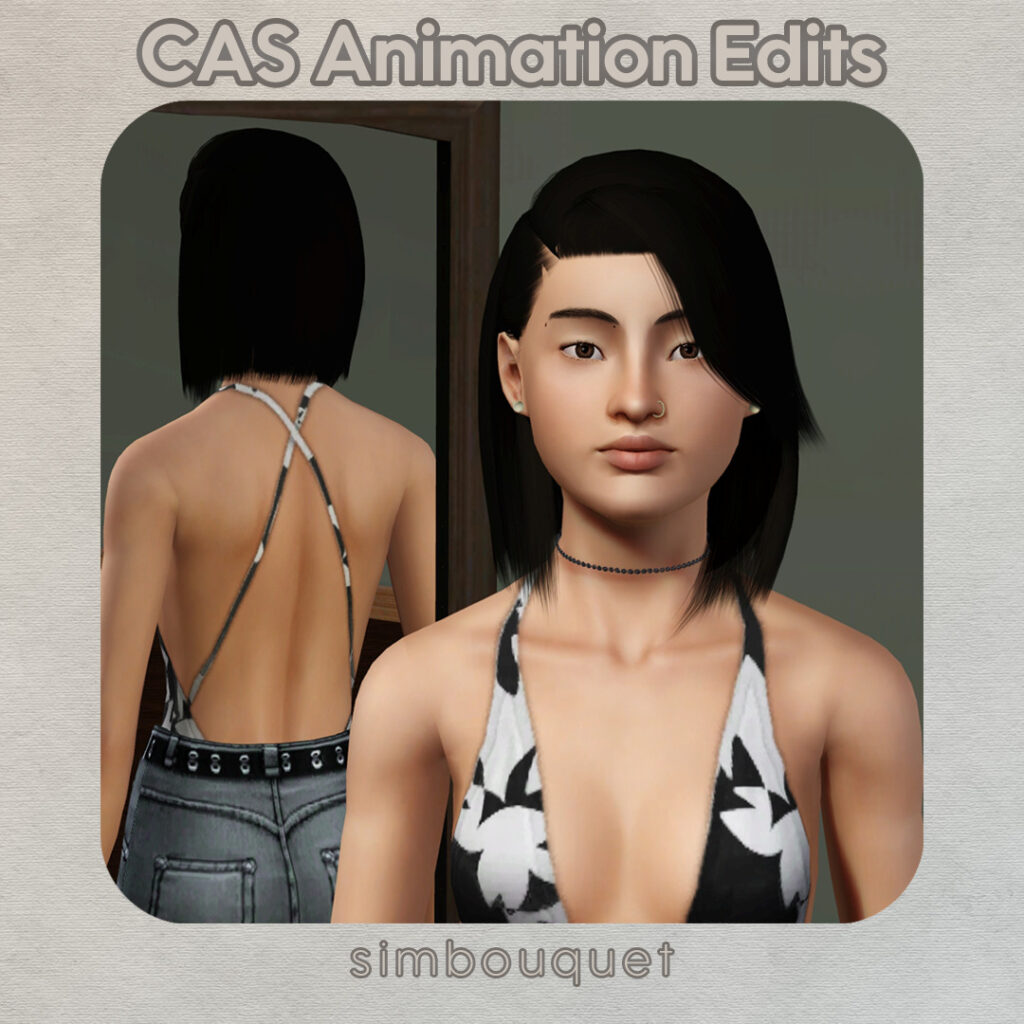
These little details make the animations feel smoother, improving and adding realism to the overall quality of the game.
TwinSimming – 4t3 Animation/Poses Conversion
Now, if you enjoy mixing the content of Sims 3 with Sims 4, then you’re in luck. This mod offers you the perfect opportunity to try various pose animations in a compatible format from the latest Sims 4 edition.
This is great for players who want to bring certain features and animations from the newest game to its predecessor, with several popular poses and object interactions.
Additional files
Even though these mods offer a wholesome way of changing and controlling the objects, they also involve lots of animation tools and scripts. So, ensure you install the tools that are compatible with the mod.
S3PE or Sims 3 Package Editor: To edit and ensure object animations, lots of people use the S3PE tool. This is great for modifying package files with custom animation sequences that can trigger interactions. This is like an additional tool, which makes the whole process much smoother, and sometimes some mods need it.
Jazz Scripts: As fancy as it sounds, it’s quite simple. Jazz scripts can be used to add an animation into the objects. They allow detailed control over how you want the animation to happen, going straight into the intricacies. So, this includes the duration or timing of the animation to ensure that there are smoother transitions.
Types of Animation to Try
Besides object animations, you can also try personal interactions like the ones below:
- Item Reaching Interactions: The_Sims_-_a2o-reach-seatht.gif
- Chairs Interactions: TS1_a2o-chair2-idle1intro.gif
- Tree Interactions: The_Sims_-_a2o-tree1-hangout2loop.gif
- Door Interactions: The_Sims_-_a2o-door-pull-close.gif
- Fountain Interactions: TS1_a2o-fountain2-benddown.gif
Final thoughts
Sims 3 object animation is a perfect tool for breathing life into everyday objects in your Sim’s life. Be it everyday life, or a haunted house, or a magical world, these interactions will make the game much more fun.
They allow the environment to become more interactive and dynamic with some of the most easily available free mods on the Internet. Creators like MyTinySimsWorld, SimBouquet, and TwinSimming do a great job in ensuring you get to customize your Sim’s world in the way you want with your personal taste.
Frequently Asked Questions (FAQs)
How can you animate an object in Sims 3?
Animation can be done through a lot of ways, including downloading mods, the S3PE editor tool, Jazz scripts, and much more.
How to activate ‘move objects’ in Sims 3?
There can be a lot of ways to do this, including mods, editor tools, and much more, but if you wanna try cheats, then you can type moveobjects in the console.
How do you swipe objects in Sims 3?
Right-clicking can help you swipe something by pointing to the source.
How to enable ‘move objects’?
Open the cheat console, type in “bb. moveobjects on”, and select the object you’d like to place the item.
How to freely rotate objects in Sims 3?
Click the object and keep holding it so that you can click or drive to rotate. You can even click once to grab the object and press the < > keys to rotate it. Another alternative is holding the alt key and clicking hold/drag to rotate the object freely.
How to twist an object in Sims 3?
Open Build Mode. Select the object you want to place. Press R1 to rotate the object clockwise, or R2 to rotate the object counterclockwise.